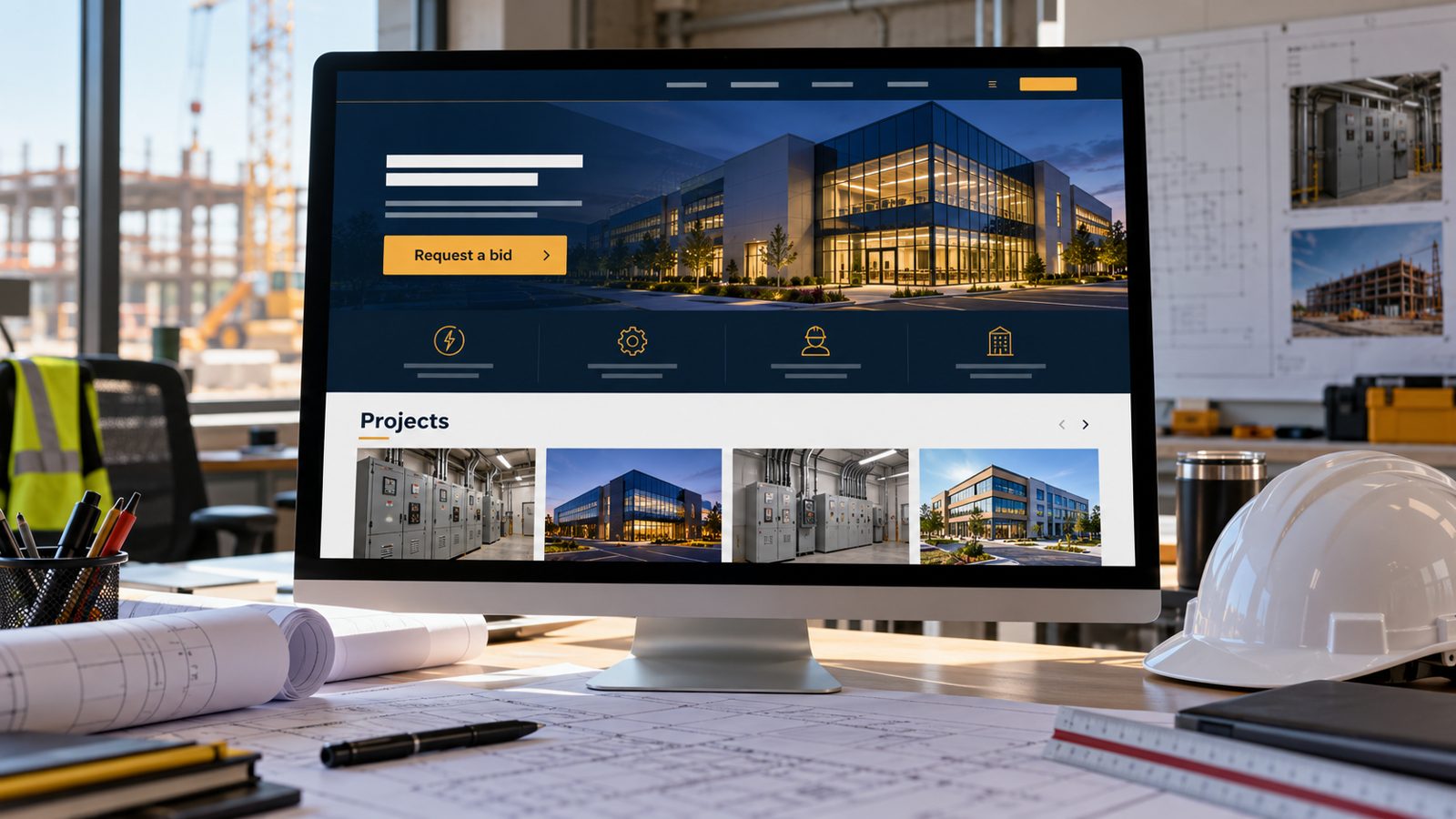
Electrical Contractor Website Design for Commercial Work
Electrical contractor website design for winning GC, property manager and commercial work: capability pages, project write-ups, license info and bid requests.
cathejeci
about 2 hours ago
62 min read
An electrical contractor website should show commercial clients what you build, for whom, and how to start a bid: a capabilities page by building type, short project write-ups with scope and photos, your license number and classification, and a request form that asks for plans, location and timeline. Keep a separate path for homeowners so neither audience gets lost.
Most of what makes a good electrician website builder page still applies. This guide covers what changes when your buyers include general contractors (GCs), property managers and facility managers.
Key takeaways
Commercial buyers check capability first: building types, scope and your role on past projects.
Project pages beat galleries: scope, building type, town and permitted photos, in a few lines each.
Show your license number and classification, and only advertise work within it.
A bid request form should ask for plans, location, schedule and scope, not just a name and phone.
Split residential and commercial paths from the home page.
Who visits an electrical contractor's website?
Electrical contracting is where most electricians work. The U.S. Bureau of Labor Statistics reports that 66% of electricians were employed by electrical contractors and other wiring installation contractors, and that electricians held about 821,000 jobs in 2025 (BLS, checked Oct 21, 2026). For a contractor, the person reading your site is often not the end customer:
General contractors checking whether you can take on a tenant improvement, remodel or new build.
Property and facility managers looking for a reliable contractor for service calls across several buildings.
Homeowners who found you through a neighbor's remodel.
Each one is asking a different question, so your pages have to answer them separately.
Which pages help you win commercial work?
1. A capabilities page organized by building type
List the kinds of buildings you work in (offices, retail, restaurants, multifamily, light industrial) and the work you do in each: service upgrades, tenant improvements, lighting retrofits, EV charging, troubleshooting. A GC scanning your site should know in ten seconds whether you fit the job.
2. Project write-ups instead of a bare gallery
For each project, write three to five lines: building type, town, scope of electrical work, your role and anything unusual you solved. Add photos you're allowed to use. Name the GC or owner only with their written permission. See our roundup of electrician website examples for layouts.
3. EV charging pages that speak to property owners
EV charging is a common reason commercial clients look for an electrician. The U.S. Department of Energy's Alternative Fuels Data Center notes that "charging at multifamily housing requires additional considerations and may be more like public charging than charging at a single-family home" (AFDC, checked Oct 21, 2026). If you do this work, give it its own page that speaks to owners and managers.
4. A license and credentials page
California's Contractors State License Board requires your license number in advertising, including websites, and says contractors may advertise only within the classifications they hold (CSLB Advertising Guidelines, checked Oct 21, 2026). Show the number and classification, for example "C-10 Electrical", and link to CSLB's public license lookup so clients can check it. Our guide to showing your license number on your website covers wording and placement.
5. A bid request form that asks the right questions
A homeowner form asks for a name, contact and the problem. A bid form should also ask for the project location, building type, scope, schedule and whether plans are available, with an option to send the plans by email. Fewer back-and-forth calls means faster bids.
6. Keep every claim checkable
Clients compare your site against what they hear on the job. CSLB warns that it is a misdemeanor to use false, misleading or deceptive advertising to induce clients into improvement contracts. Describe projects you actually did, in plain terms, and leave out "bonded" badges in California: CSLB says contractors can't advertise that they're bonded.
How do you plan pages for each audience?
Use this table to plan the pages before you write them.
Audience | What they need to know | Page | Proof to include |
|---|---|---|---|
General contractor | Can you handle this scope and schedule? | Capabilities, Projects | Building types, scope, your role, photos |
Property or facility manager | Will you respond and serve all our sites? | Commercial services, Service area | Towns served, service types, request form |
Owner planning EV charging | Do you understand our property type? | EV charging | Project write-ups, plain-language process |
Homeowner | Do you do my job, in my town? | Residential services | Services, towns, reviews, request form |
Anyone checking credentials | Are you licensed for this work? | License and credentials | Number, classification, link to CSLB lookup |
From the field: write your first three project pages from jobs you finished this year, while the details and photos are fresh. Ask the GC or owner for permission to use the photos and any names at closeout, when the job is fresh for them too.
How do you keep homeowners from getting lost?
Give the home page two clear doors: "Homeowners" and "Commercial and contractors". Each path should have its own service list and its own request form. Keep shared items such as your license line, phone and service area in the header and footer. Our electrician website design guide covers the residential side in more detail.
When should you get help vs. DIY?
DIY works when you're a small shop with residential and some light commercial work, a handful of projects to show and a simple bid form.
Get help when you need a large portfolio with filters, a bid portal where GCs upload plan sets, integrations with estimating or project software, or a site migration that keeps old project URLs. Our build vs. hire guide helps you decide. For a local example, see the electrician website builder for San Jose.
If most of your work is residential with some commercial jobs, you don't need to start from a blank page. MagicSite builds websites for electricians with service pages and a booking-request form. On the Free plan ($0), MagicSite puts an AI-built site live on yourname.magicsite.ai, with a booking-request form, email alerts for every request and one place to see every lead that comes in.
Learn more
Where to put your license number on your website
FAQ
How is an electrical contractor website different from a residential electrician site?
A residential site helps a homeowner call or request a visit. A contractor site also has to help a general contractor, property manager or facility manager decide whether you can handle their project, so it needs capability pages, project write-ups, license details and a way to request a bid.
What should a project page on an electrical contractor website include?
The building type, the scope of electrical work, your role, the town, and a few photos you have permission to use. Add the general contractor or owner's name only with their written permission. Short, specific write-ups are more useful than long galleries without captions.
Should an electrical contractor list its license classification on the website?
Yes. In California, CSLB requires your license number in advertising, including websites, and you may only advertise work within the classifications you hold. Listing the classification next to the number, for example C-10 Electrical, makes that clear to clients.
Do I need separate pages for commercial and residential work?
If you do both, yes. Give each audience its own path from the home page, with its own services and request form. Homeowners and general contractors ask different questions, and one mixed page usually answers neither well.
Can a website builder handle an electrical contractor website?
For a small shop doing residential and light commercial work, often yes: service pages, a project gallery, license details and request forms are standard builder features. If you need a large project portfolio, bid portals or integrations with estimating software, a custom build may fit better.
Sources
U.S. Bureau of Labor Statistics, Occupational Outlook Handbook, "Electricians": https://www.bls.gov/ooh/construction-and-extraction/electricians.htm (checked Oct 21, 2026)
U.S. Department of Energy, Alternative Fuels Data Center, "Charging Electric Vehicles at Home": https://afdc.energy.gov/fuels/electricity-charging-home (checked Oct 21, 2026)
California Contractors State License Board, "Advertising Guidelines for Contractors": https://www.cslb.ca.gov/Resources/GuidesAndPublications/AdvertisingGuidelines.pdf (checked Oct 21, 2026)