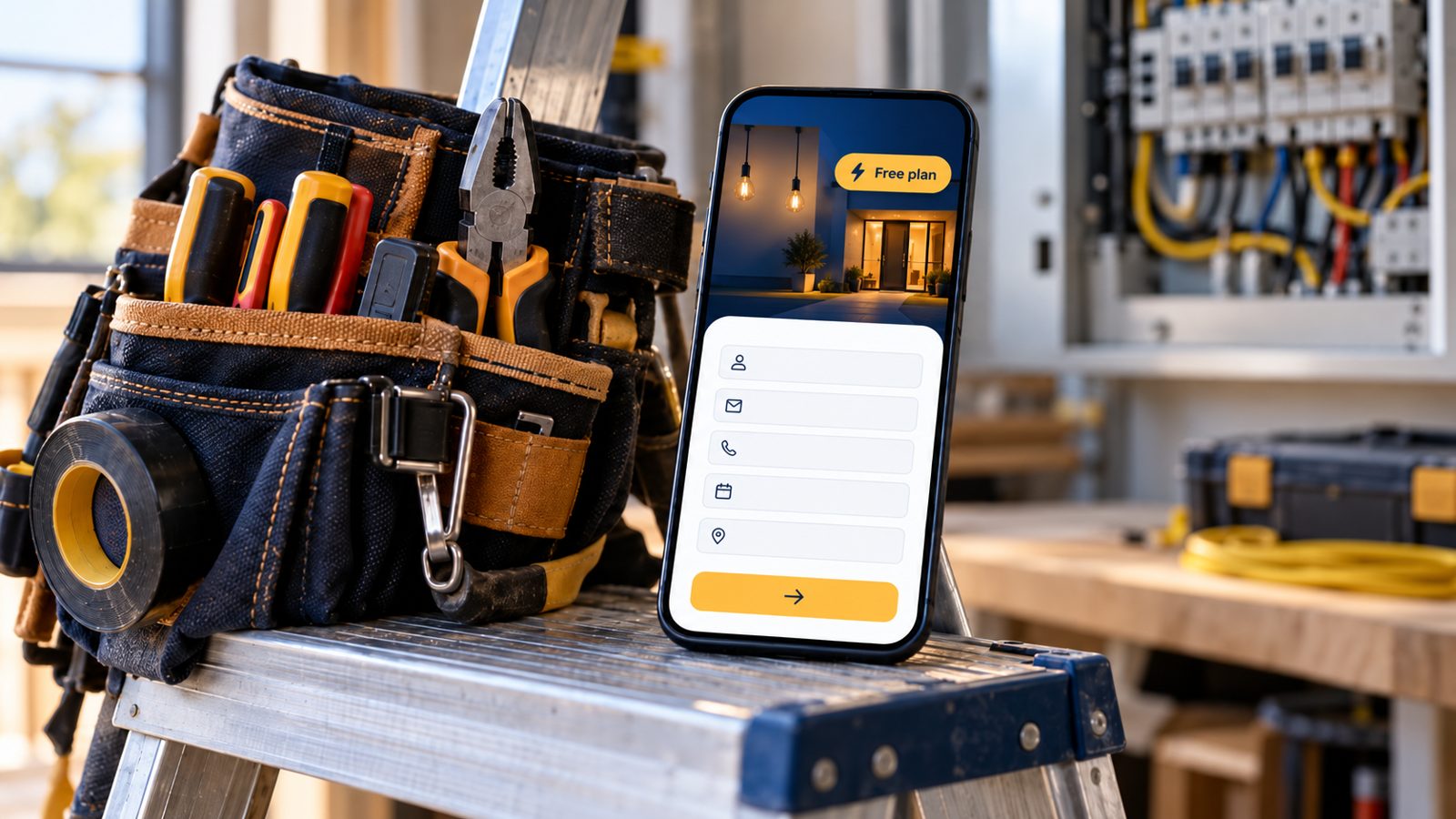
Free Website for Electricians: What You Really Get (2026)
Yes, an electrician can get a free website. What free plans and trials include, what they leave out, the costs to check, and when paying makes sense.
cathejeci
about 2 hours ago
68 min read
Yes. Several website builders, including Wix, GoDaddy and MagicSite, let an electrician put a basic site online for free. The trade-offs are usually the builder's branding, the builder's web address and features held back for paid plans. Before you start, check what the free plan includes, what upgrading costs, and whether you can take your content with you.
If you want to see what a free site for your own business would look like first, see our website builder for electricians. Below: what free really means, and when paying is worth it.
Key takeaways
A free plan and a free trial aren't the same: trials end, usually after 14 days.
Expect branding and the builder's web address on free plans; check what the upgrade costs per year.
A free site still needs the electrician basics: license number, towns, phone and a request form.
Link your Google Business Profile straight to your own site, not to a redirect.
Pay when the free version is costing you jobs, not before.
Which website options are free for electricians?
Here's what each option's own pages say about free use, as of Oct 21, 2026. Plans change often, so check again before you sign up.
Option | Free plan or trial? | What the vendor says | Good to know |
|---|---|---|---|
Wix | Free plan | "Create your site for free and choose a plan when you're ready" (Wix plans) | A paid plan is how you connect your own domain and remove Wix branding (Wix FAQ) |
GoDaddy Website Builder | Free start | "Start for free with 50 AI credits a month" (GoDaddy) | Credits "do not roll over to the next cycle" |
Squarespace | 14-day trial | "Squarespace doesn't offer a free plan" (Squarespace pricing) | Plan on paying after the trial |
Jobber | 14-day trial | Free trial of the Grow plan, no credit card (Jobber pricing) | Field-service software; a website is listed among Core plan features |
Housecall Pro | 14-day trial | Free trial of the MAX plan (Housecall Pro pricing) | The website is a separate done-for-you add-on |
MagicSite (ours) | Free plan, $0 | AI-built site on yourname.magicsite.ai with a booking-request form and owner email alerts (MagicSite pricing) | See the MagicSite pricing page for current plan details |
Disclosure: MagicSite publishes this guide and is our product. For paid prices side by side, see our comparison of website builders for electricians.
What's the catch with a free website?
1. Branding and the builder's address
Most free plans show the builder's name somewhere on your site and use an address on the builder's domain. That's fine for getting started, but check how it looks on your phone before you put it on your truck.
2. Features held back for paid plans
Booking, scheduling and payments are often paid features. Wix, for example, lists "Scheduling and services" on its Core plan and above, not on Light. Make a list of what you actually need on day one, and check which plan includes it.
3. Trials that quietly become bills
A 14-day trial is a test drive, not a free website. Put the end date on your calendar and decide before then. If you already pay for field-service software, check whether its website covers you before adding another bill.
4. Who owns your words and photos
Your service descriptions and job photos are the valuable part. Keep copies in your own folder, so you can move them if you ever switch builders.
What does a free electrician site still need?
Free doesn't mean bare. Customers judge a free site by the same things as a paid one.
5. Your license number on every page
California's Contractors State License Board requires the license number in "all forms of advertising" and counts websites as advertising. The civil penalty for not complying "is between $100 and $1,000 for a first offense" (CSLB Advertising Guidelines, checked Oct 21, 2026). Free plan or not, put it in the header or footer.
6. Your towns, your phone and a request form
Name the towns you serve, show a tap-to-call number for urgent work, and add a short form for planned jobs. Pew Research Center found that 16% of U.S. adults are "smartphone-only" internet users (Pew Research Center, survey Jan. 30–June 18, 2026, checked Oct 21, 2026), so for some of your customers your site is a phone-only experience.
7. A direct link from your Google Business Profile
Put your site's address in your profile's website field. Google's guidelines say not to provide URLs that "redirect or 'refer' users to landing pages ... other than those of the actual business" (Google Business Profile guidelines, checked Oct 21, 2026). Our Google Business Profile guide for electricians covers the rest of the setup.
From the field: a free site goes live fastest when your content is ready. Write your service list, your towns and your license line before you sign up, and pick five recent job photos. Start from a layout that already fits the trade, such as an electrician website template or a builder's draft.
When is it worth paying for a website?
Pay when the free version starts costing you work. Common signs:
You need a feature the free plan doesn't include.
You want help with the parts you keep putting off, like your Google Business Profile and Yelp profile.
You're adding a commercial side or more services and need more pages than you can manage yourself.
Compare options by yearly cost, including renewals and add-ons. Our guide to what an electrician website costs breaks down the options.
When should you get help vs. DIY?
DIY is fine when you're a one- or two-person shop, your services fit on one page, and you can spend an hour on your draft.
Get help when you're replacing an older site that already brings in calls, you need integrations with scheduling software, or you'd rather hand off the setup. For a local example, see the electrician website builder in Santa Clara.
A free website only helps if it's actually live and says the right things. On the Free plan ($0), MagicSite puts an AI-built site live on yourname.magicsite.ai, with a booking-request form, email alerts for every request and one place to see every lead that comes in.
Learn more
FAQ
Is a free website good enough for a new electrical business?
Often, yes. When you're starting out, a clear free site with your services, towns, license number, phone and a request form is far better than no site. Upgrade when you need something the free plan doesn't offer, not because a pricing page tells you to.
What's the difference between a free plan and a free trial?
A free plan lets you keep a basic site live at no cost for as long as the plan exists. A free trial gives you a paid plan's features for a limited time, often 14 days, and then asks you to pay. Squarespace, Jobber and Housecall Pro offer trials; Wix and MagicSite offer free plans.
Will a free website show the builder's branding?
Usually. Most free plans show the builder's name or banner and use the builder's web address. Wix, for example, says a paid plan is how you remove Wix branding. Check each builder's own plan page so you know what changes when you upgrade.
Can I link a free website to my Google Business Profile?
Yes. Put your own site's address in the website field of your profile. Google's guidelines say not to use URLs that redirect or refer people to pages other than the business's own, so link straight to your site.
When should an electrician pay for a website?
Pay when the free version is costing you work: you need features the free plan lacks, or you need a designer for a larger site. Compare the yearly cost, not just the first month.
Sources
Wix, "Plans": https://www.wix.com/plans (checked Oct 21, 2026)
GoDaddy, "Website Builder": https://www.godaddy.com/websites/website-builder (checked Oct 21, 2026)
Squarespace, "Pricing": https://www.squarespace.com/pricing (checked Oct 21, 2026)
Jobber, "Pricing": https://www.getjobber.com/pricing/ (checked Oct 21, 2026)
Housecall Pro, "Pricing": https://www.housecallpro.com/pricing/ (checked Oct 21, 2026)
California Contractors State License Board, "Advertising Guidelines for Contractors": https://www.cslb.ca.gov/Resources/GuidesAndPublications/AdvertisingGuidelines.pdf (checked Oct 21, 2026)
Pew Research Center, "Americans' Use of Mobile Devices in 2026" (Oct 19, 2026): https://www.pewresearch.org/internet/fact-sheet/mobile/ (checked Oct 21, 2026)
Google Business Profile Help, "Guidelines for representing your business on Google": https://support.google.com/business/answer/3038177?hl=en (checked Oct 21, 2026)