Electrician Website Template: How to Choose One (2026)
What to look for in an electrician website template: the sections it needs, demo content to delete, phone testing, and when a builder beats a template.
cathejeci
about 2 hours ago
71 min read
Choose an electrician website template that already has the sections your customers look for: a header with your phone and license number, service blocks, a service-area section, a photo gallery and a short request form. Then test it on your phone, count the demo content you'll need to replace, and read its license before you commit.
Templates are one way to start. An electrician website builder that drafts the pages from your business details is another. This guide helps you judge either option.
Key takeaways
Judge a template by its sections, not its colors: header, services, towns, photos, reviews, request form.
Test the demo on your phone before anything else. That's where most customers will see it.
Every sample testimonial, "24/7" banner and stock certificate has to go before launch.
Read the license: some "free" templates need a paid theme, plugin or plan to work.
If you don't want to write every word yourself, a builder that drafts the site may save more time than a template.
What should an electrician website template include?
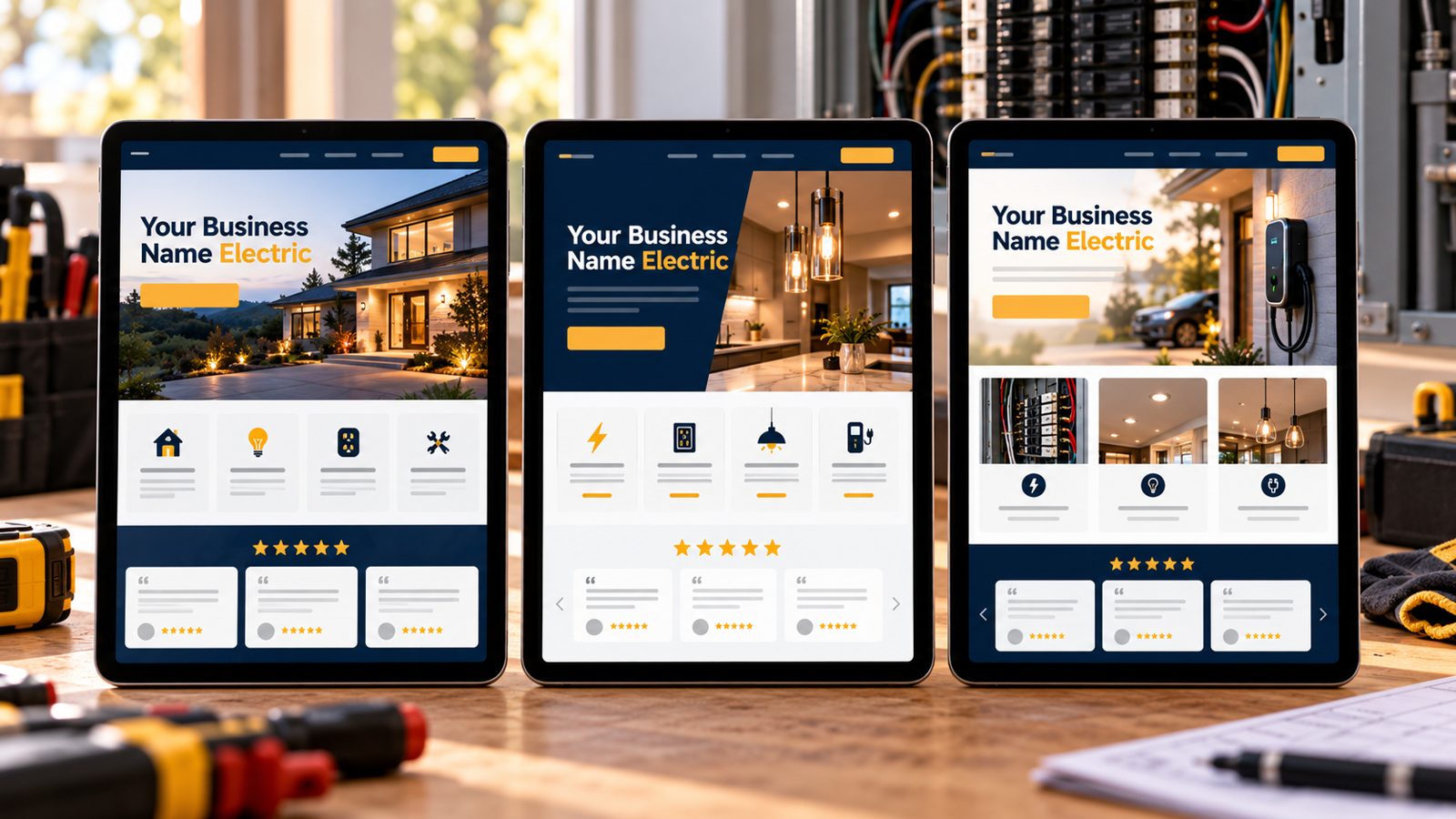
Search "electrician website template" and you'll find template marketplaces, WordPress theme shops and website builders all offering electrician layouts. They look different, but the good ones share the same bones.
1. A header built for calls and credentials
Look for a header with space for a tap-to-call number and a short line of text where your license number can go. California's Contractors State License Board requires the license number in all advertising, and it counts websites as advertising (CSLB, checked Oct 21, 2026). If the header only fits a logo and a menu, you'll be fighting it.
2. Service blocks you can repeat
You want one repeatable block per service: heading, two or three sentences, a photo and a button. That lets you add panel upgrades, EV chargers, lighting and repairs without redesigning anything. See our electrician website design guide for what to write in each block.
3. A service-area section and a short form
The template should have somewhere to list your towns in plain text, not only a map image, and a short request form: name, contact, the job and the town. Long multi-step forms are harder to finish on a phone.
What should you check before you pick one?
4. Open the demo on your phone first
Pew Research Center reports that 91% of U.S. adults own a smartphone (Pew Research Center, survey Jan. 30–June 18, 2026, checked Oct 21, 2026). Open the demo on your own phone: is the call button visible without scrolling, is the text readable, and does the form fit the screen?
5. Count the demo content you'll have to replace
Electrician templates ship with filler: stock photos of models in hard hats, sample testimonials, "24/7 emergency service" banners and award badges. All of it has to be replaced or deleted. The FTC's final rule bans fake reviews and testimonials, including ones "by someone who does not exist" (FTC, checked Oct 21, 2026). In California, also delete any "bonded" badge: CSLB says contractors can't advertise that they're bonded.
6. Read the license and the real cost
"Free" can mean free to download but dependent on a paid page builder, plugin or hosting plan. Check whether the license allows commercial use, whether attribution is required, and what you'll pay each year to keep it running.
7. Make sure you can edit it yourself
You'll change hours, services and photos more often than you think. The U.S. Bureau of Labor Statistics notes that electricians' "work schedules may include evenings and weekends" (BLS, checked Oct 21, 2026), so edits have to fit in five spare minutes. If changing a phone number means calling a developer, pick something simpler.
How do you score templates side by side?
Use this scorecard on your top two or three choices. A template that fails the first three rows isn't worth fixing.
Check | Why it matters | Passes if |
|---|---|---|
Phone view | Most customers browse on a phone | Call button and first line visible without scrolling |
Header space | License number and phone on every page | Room for a line of text beside the logo |
Service blocks | You'll add and remove services | One repeatable block per service |
Service area | Customers check you come to them | Towns in plain text, not only a map image |
Request form | Planned jobs start with a request | 4–5 fields, works on a phone |
Demo content | Fake reviews and badges can't stay | You can delete every sample block |
License and cost | "Free" may need paid add-ons | Commercial use allowed; yearly cost known |
Editing | Small changes happen weekly | You can change text and photos yourself |
From the field: before you pick a template, gather your content in one document: your service list, your towns, your license line, ten of your best job photos and three real reviews with permission. Whichever template wins, filling it becomes a copy-and-paste job.
Template, builder or custom: which fits you?
Option | Who writes the words | Who builds the layout | Best for |
|---|---|---|---|
Template | You | Already designed; you fill it | Owners who want a specific look and have time |
Builder that drafts the site | Drafted for you; you edit | Drafted for you | Owners who'd rather edit than start blank |
Custom design | Usually you, with a copywriter | A designer | Larger shops, complex service lines, migrations |
If you're comparing specific builders, our comparison of website builders for electricians has prices from each vendor's own page. If budget is the main question, start with whether you can get a free website for your electrical business.
When should you get help vs. DIY?
DIY with a template when you're comfortable editing text and images, you have your content gathered, and the template passes the phone, header and service-block checks.
Get help when the template needs code changes to fit your services, when you're moving an old site that already ranks for your town, or when you'd spend more evenings fighting the layout than doing paid work. Our build vs. hire guide walks through that decision. For a local example, see the electrician website builder for Sunnyvale.
Filling a template means writing every block yourself. MagicSite builds websites for electricians with service pages and a booking-request form, so you are not starting from a blank page. On the Free plan ($0), MagicSite puts an AI-built site live on yourname.magicsite.ai, with a booking-request form, email alerts for every request and one place to see every lead that comes in.
Learn more
FAQ
Are free electrician website templates worth using?
They can be, if the template covers the sections an electrician needs and its license lets you use it for a business. Expect to spend most of your time replacing demo text, stock photos and sample reviews. Read the template's license and check whether it needs a paid theme, plugin or plan to work.
What sections should an electrician website template have?
A header with room for your phone and license number, a first screen that names your services and towns, service blocks, a service-area section, a photo gallery, a reviews area you can link to real profiles, and a short request form. If a template lacks one of these, check that you can add it.
Is a template better than a website builder for electricians?
A template gives you a layout; you still write every word and replace every image. A builder that drafts the site from your business details does more of that first pass for you. Choose a template if you want a specific look and have time to fill it, and a builder if you'd rather edit than start from scratch.
Can I use the testimonials that come with a template?
No. Delete every sample review and testimonial before the site goes live. The FTC's rule on fake reviews prohibits testimonials from people who don't exist or never used your business. Replace them with real reviews, with permission, or link to your Google and Yelp profiles.
How long does it take to set up an electrician website template?
It depends on how much content you already have. If your service list, towns, photos and license details are ready, a simple template can be filled in an afternoon or two. Writing service descriptions from scratch and taking photos usually takes longer than the layout work.
Sources
California Contractors State License Board, "Advertising Guidelines for Contractors": https://www.cslb.ca.gov/Resources/GuidesAndPublications/AdvertisingGuidelines.pdf (checked Oct 21, 2026)
Pew Research Center, "Americans' Use of Mobile Devices in 2026" (Oct 19, 2026): https://www.pewresearch.org/internet/fact-sheet/mobile/ (checked Oct 21, 2026)
Federal Trade Commission, "Federal Trade Commission Announces Final Rule Banning Fake Reviews and Testimonials" (Aug 14, 2024): https://www.ftc.gov/news-events/news/press-releases/2024/08/federal-trade-commission-announces-final-rule-banning-fake-reviews-testimonials (checked Oct 21, 2026)
U.S. Bureau of Labor Statistics, Occupational Outlook Handbook, "Electricians": https://www.bls.gov/ooh/construction-and-extraction/electricians.htm (checked Oct 21, 2026)